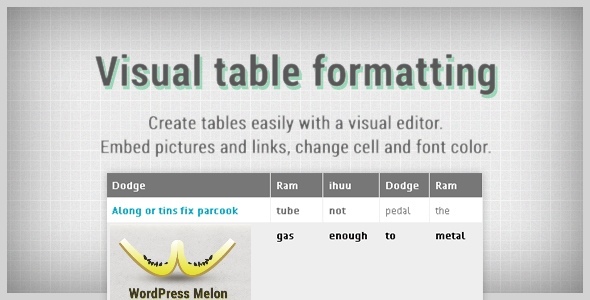

Visual Table Formatting from WP Melon
Creating and managing colorful tables has never been more intuitive and straightforward with this plugin. The visual editor lets you add, edit, change cell formatting in a familiar, spreadsheet-like way. Avoiding the database, all the data is stored in a single shortcode, thus making it extremely easy to transfer between different posts or wordpress installations.
Features:
- Easy to use interface, zero coding skills required.
- Change font and cell color.
- Make font bold, italic, underline and strikethrough.
- Choose custom border color and style (row, cell and none).
- Custom row color on mouse over (optional).
- Insert pictures and links.
- Full support of horizontal and vertical alignment.
- Move/copy text and formatting.
- Merge/unmerge cells.
- Custom table width and cell padding.
- Has 15 predefined table styles.
- Import used shortcodes or delimiter-separated values.
Video Demo
Plugin Demo (Youtube)
Changelog
v 1.3
- Two additional border styles plus the option to revert to theme’s defaults.
- The “Link” button now supports editing.
- Improved link parsing now supports special characters in titles.
- Advanced users can now create a custom table style.
v 1.2
- Enter values manually in color pickers.
- Bug fixes.
v 1.1
- Status display with a clickable link when selecting one in the table.
- Link wrapped around the image when both applied to a cell.

No comments:
Post a Comment