

You need a map for your website and you want to use Google Maps for it, but you don’t want to use the standard Google Maps color theme, because everyone use this. Your map should be unique?
Colors for Google Maps contains a lot of colorful skins for Google Maps.
A script changes the colors of the map. The integration of the script is very easy and of course you can use a Google map with a colorful skin as well as the standard Google map.
It’ s easy to customize my colorful skins For example: If you want to use a different color, you only have to change the color values?? or if you want to display an element, that I have hide, you can do this quite simply.
Create your own colorful styled skins for Google Maps Use your favorite colors. Display only elements, that you want to have.
Generator You can use a tool to generate easily your own colorful themes for Google Maps.
Colors for Google Maps contains these 22 colorful skins for Google Maps:
Jupiter

Children

Summer
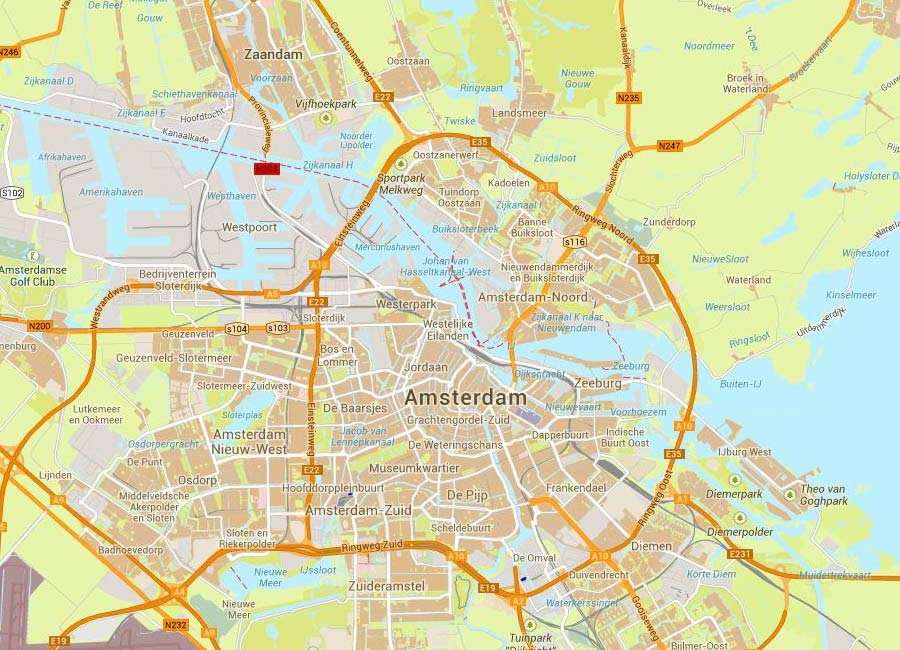
Old

Older

Metro

Architect

Strong
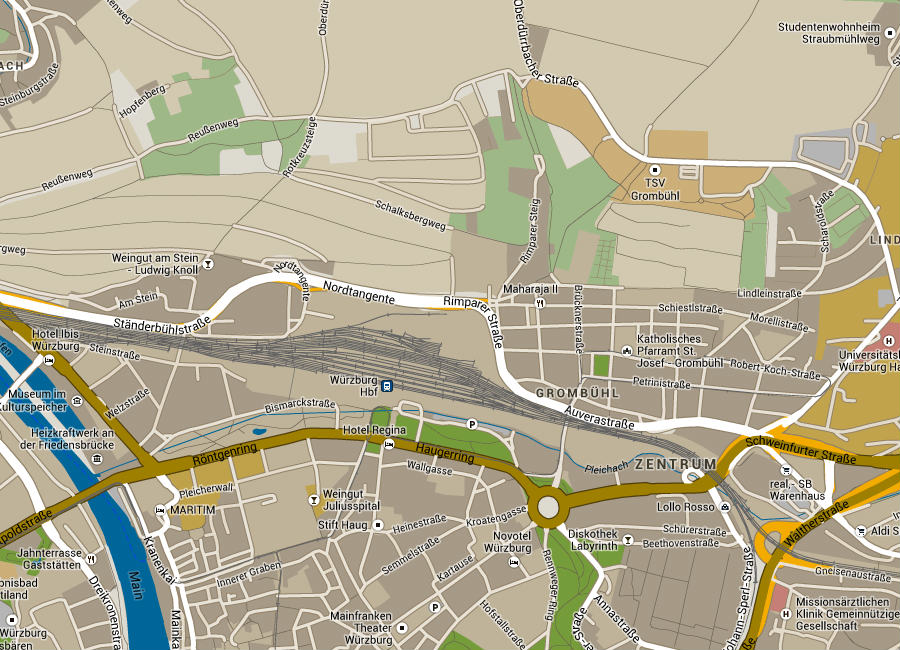
Full Moon
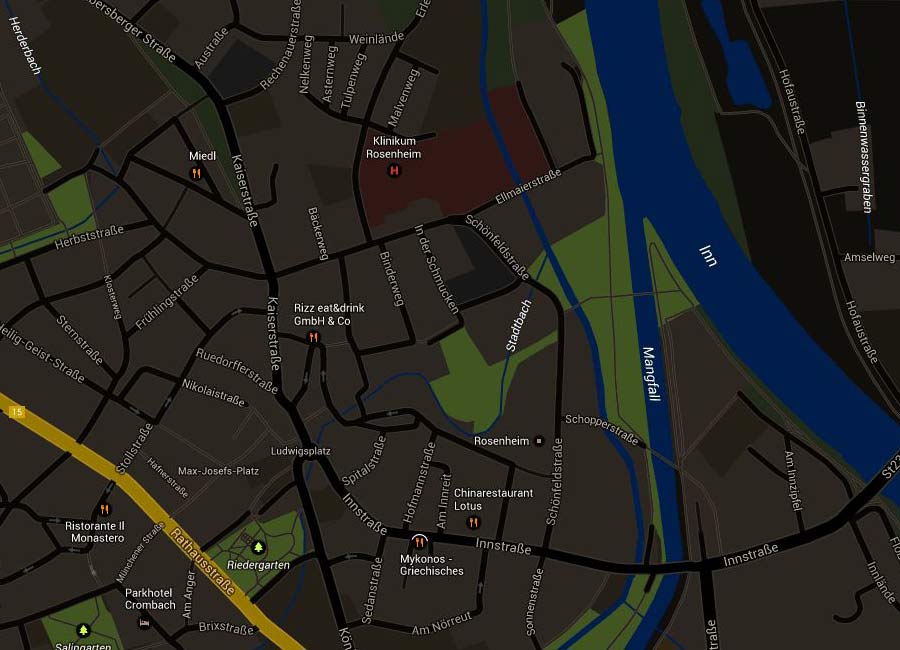
Comic
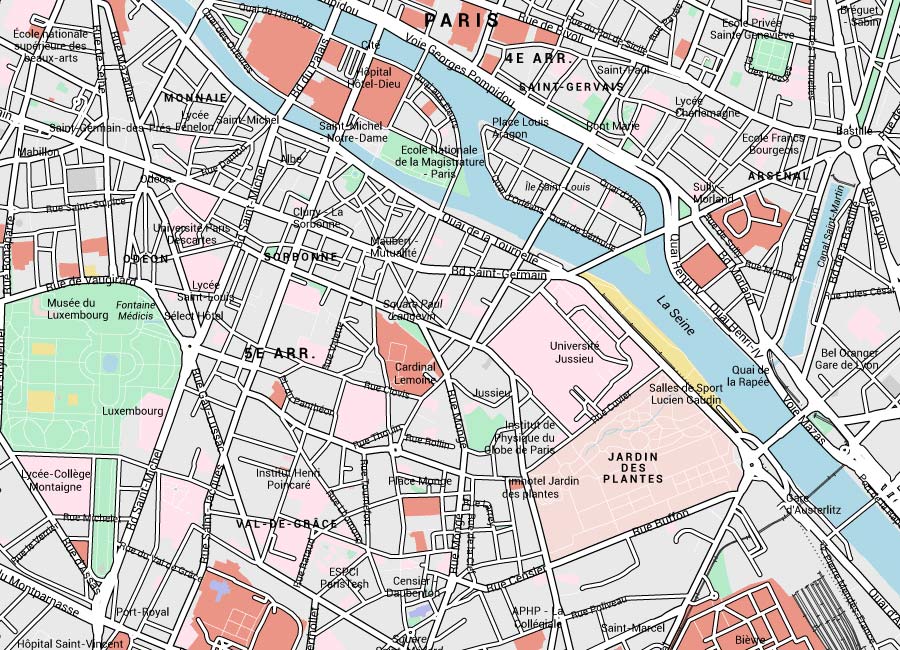
Arctic
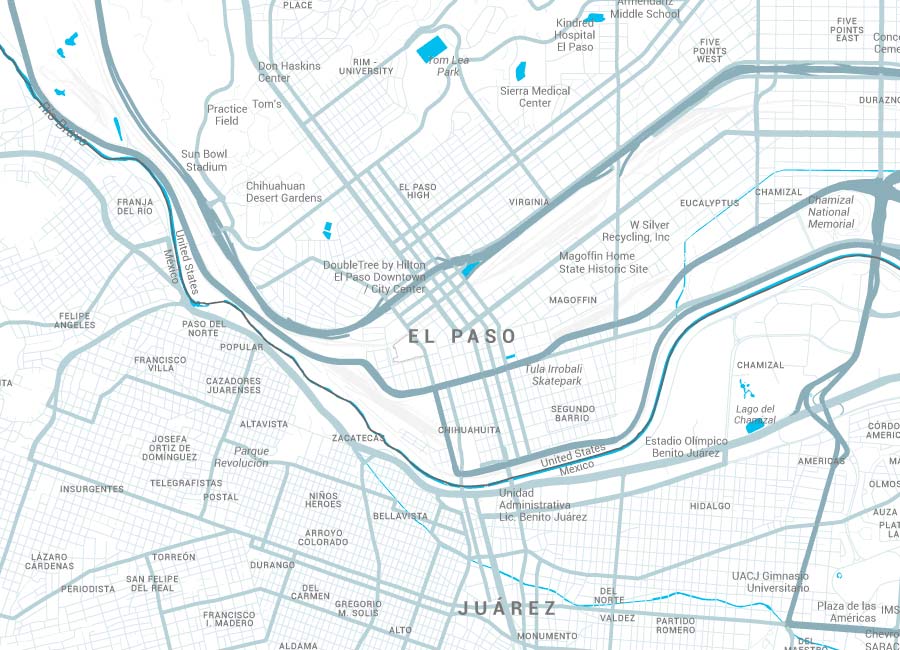
Grey

Dawn

Agriculture

Soft

Dark

Concrete

Crocus

Night

Celebrity

Mars

Clean

one color Blue (Also available: Yellow, Orange, Red, Green, Cyan, Violet, Brown)

Furthermore Colors for Google Maps contains a second version of Architect and also a darker version of Strong.
Take also a look at the codecanyon screenshots to see all of them!
Successfully tested on iPad, iPhone and other mobile devices. Compatible Browsers: Internet Explorer (IE7 and higher) Firefox, Safari, Opera, Chrome

No comments:
Post a Comment